
XA_Software
Desktop tools for everyday work.
The software division of XA-Beyond. We build desktop tools that are small, fast and focused on one job. The first one, XA_Link, is complete and free to download.
Product

XA_Link
A desktop built for links.
XA_Link is a fast, focused launcher where you pin the sites, folders and tools you use every day. Group them your way, open anything with one click and stop searching through browser tabs.
Details
- Platform
- Windows 10 and 11
- Status
- Completed
- Price
- Free
- Account
- Not required
- Download
- ZIP, 23 MB
Features
Everything a link needs, nothing more.
Instant launch. Double-click a tile and the link opens in your browser.
Your own folders. Arrange links in folders and drag tiles into the order you want.
Search everything. One search looks through every folder at once.
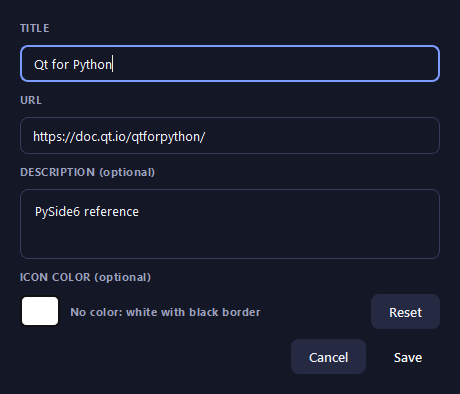
Add in seconds. A title, a URL, an optional note and a colour. That is the whole form.
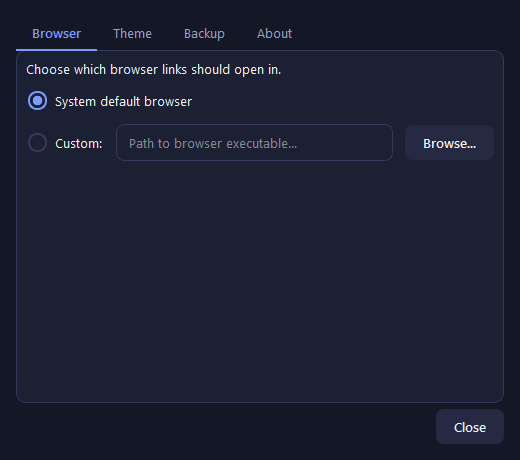
Any browser. Open links in your default browser, or choose a different one.
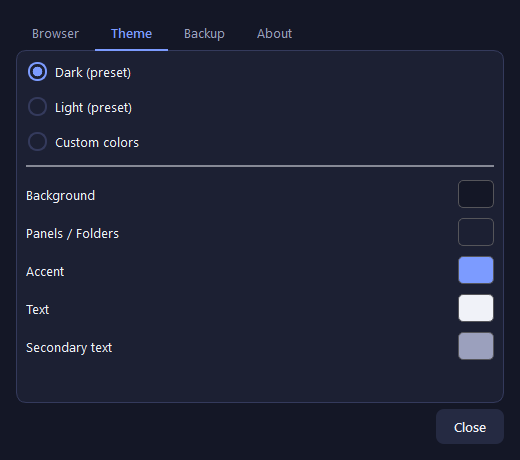
Your colours. Dark, light or custom colours for the background, panels, accent and text.
Inside
See it in action.
Tap a screenshot to see it full size, or swipe to move between them.
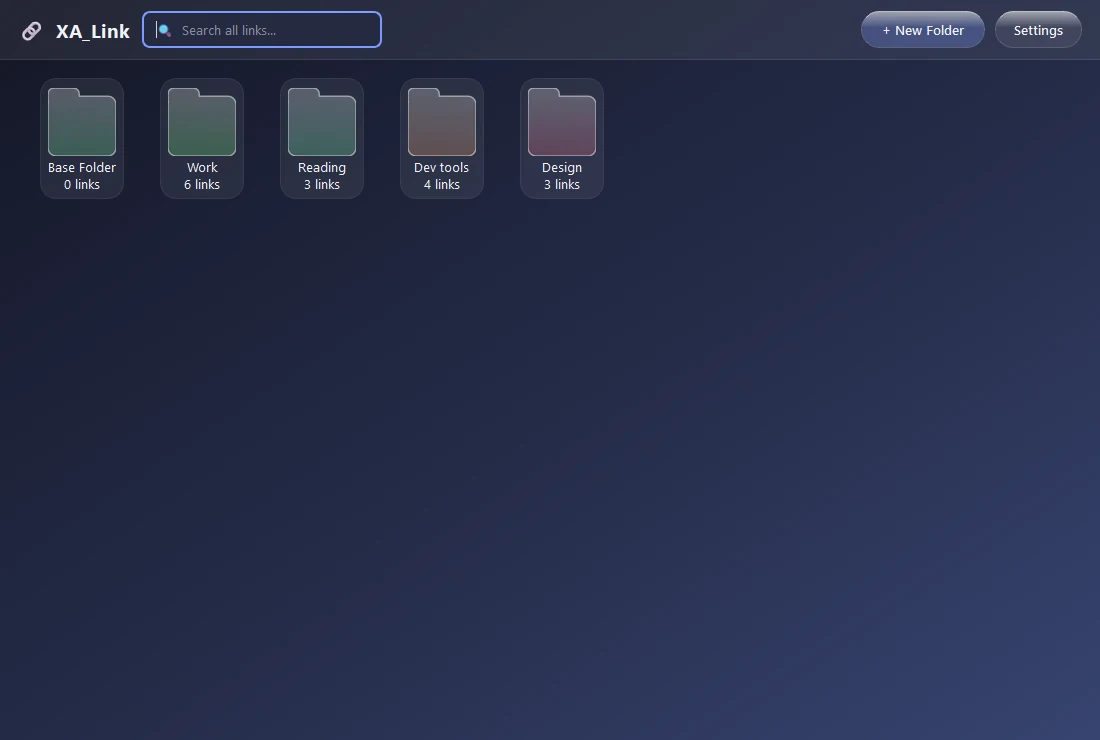
Your desktopEvery folder you have made, one click away from anything inside it.
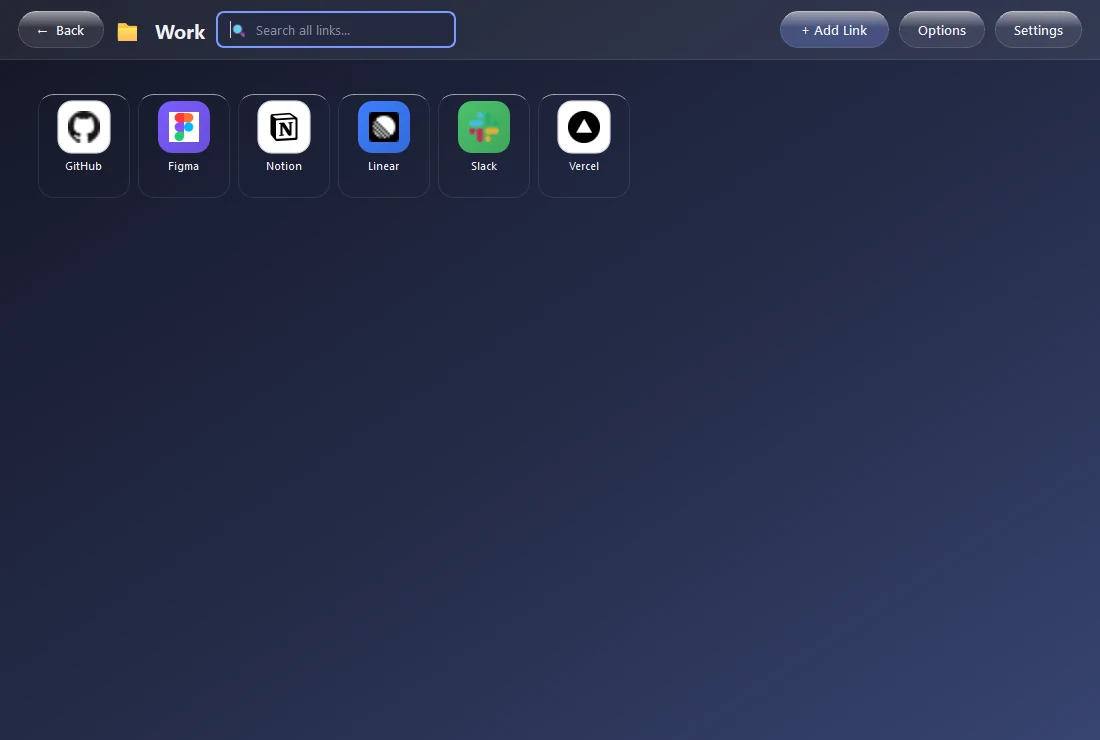
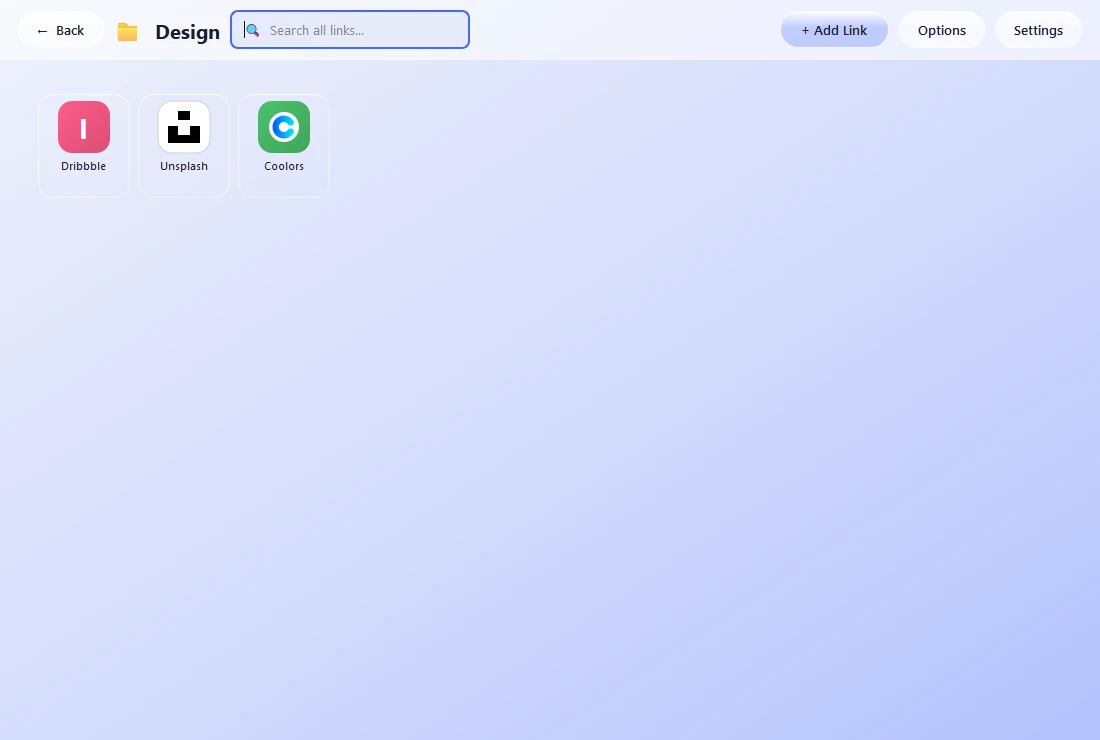
Inside a folderLinks become icons with real favicons. Open one, or open the whole set.
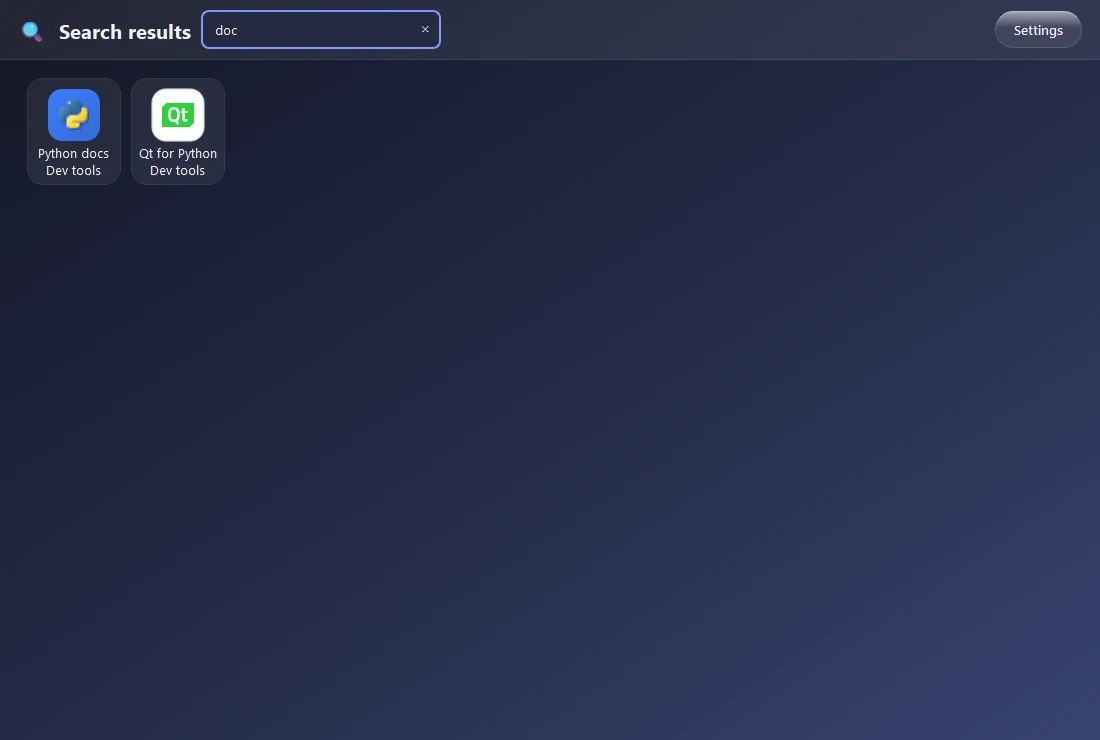
Search everythingType a few letters and every folder is searched at once.
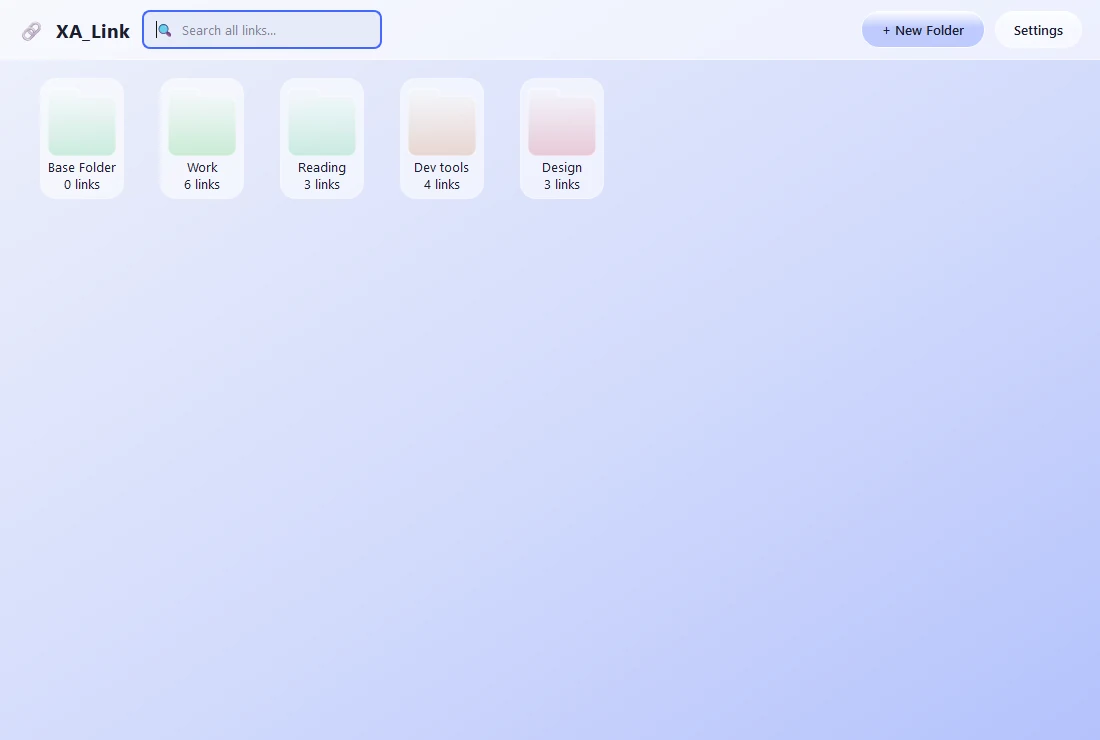
Light themeThe same desktop in light. Themes switch instantly, everywhere.
Folders in lightEvery screen follows the theme you pick, down to the folder colours.
Add a linkA title, a URL, an optional note and a colour. That is the whole form.
Choose your browserOpen links in your default browser, or point XA_Link at any other one.
Make it yoursDark, light or custom colours for background, panels, accent and text.
Getting started
Up and running in under a minute.
Download and extract. Download the ZIP file, extract it and double-click XA_Link.exe to start. Nothing else needs to be installed.
Create folders. Use New Folder to create a folder, then Add Link to save links inside it. Double-click a folder to open it.
Organise and open. Drag tiles to arrange them, right-click a tile to edit, move or delete it, and double-click to open the link.
